Build a 12-Month Email Marketing Calendar for Your Trade
"No time for email" is exactly why you need a calendar. Here is how to plan a year of emails for your service business in one afternoon and let automation run it.
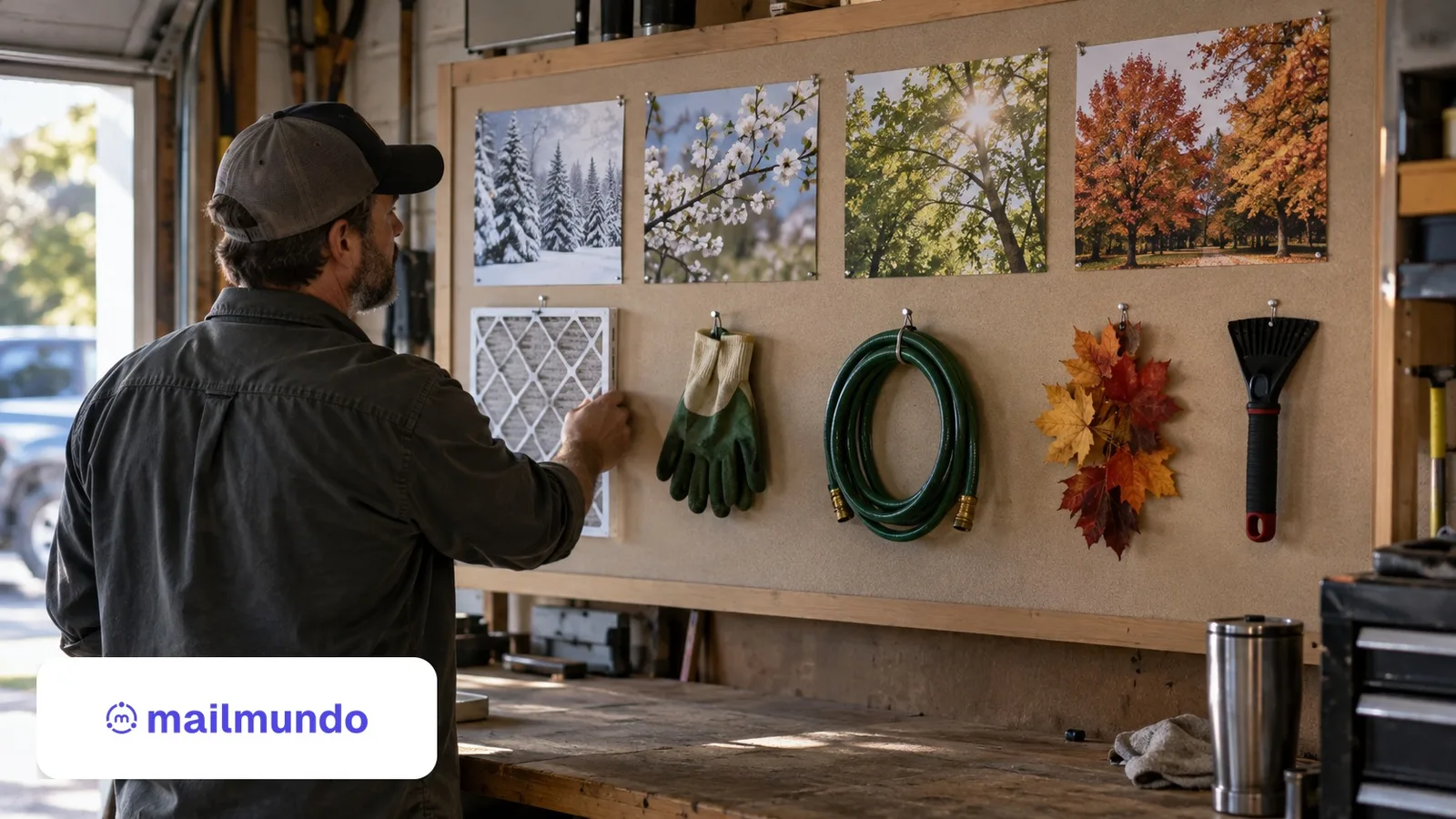
You don't have time to email — which is exactly why you need a calendar
If you run a cleaning company, an HVAC shop, a plumbing or roofing crew, "I don't have time to do email marketing" is an honest answer. You are on jobs, quoting work, chasing invoices, and answering the phone. The problem is not that email doesn't pay — email consistently returns around $36 for every $1 spent, more than any other marketing channel, according to widely cited benchmark data from Litmus and the Data & Marketing Association. The problem is that doing it ad hoc, whenever you remember, is what actually eats your time and produces nothing. A 12-month email calendar fixes that. It turns email from a nagging "I should send something" into a small set of decisions you make once, then let run. This guide shows you how to build one for your trade, in an afternoon, without becoming a marketer.
The deeper reason a calendar matters for a service business is that your money is in the customers you already have. Research summarized by Harvard Business Review has long shown that winning a brand-new customer can cost five to twenty-five times more than keeping one you already served. A calendar is simply the cheapest, most reliable way to stay in front of the people who already trust you, so that when the pipe bursts, the AC dies, or the roof leaks, your name is the one they reach for.
What this looks like in practice
An HVAC year, written in one sitting at the kitchen table:
- March: "Beat the heat — AC tune-ups booking now" (before the first hot week, not during it).
- June: filter-change reminder, two lines, no offer.
- September: "Furnace check before the first cold night" — the email that fills October.
- November: thank-you note + holiday hours. No selling; this one buys goodwill for the other three.
What a 12-month email calendar actually is
An email marketing calendar is simply a plan that maps out what you will send, and roughly when, across the year. It is not a rigid script and it does not mean sending more email — it means sending the right email at the right time instead of scrambling. Most service businesses land in one of two failure modes: they either go silent for months and then blast a panicked discount, or they never send at all. A calendar replaces both with a steady, predictable rhythm your customers come to expect. The goal for a busy owner is a light plan you can see at a glance: a theme for each month, a few dates that matter to your trade, and the handful of automated messages that run on their own in the background.
Think of it as two layers stacked on top of each other. The bottom layer is your evergreen automations — the welcome, the post-job follow-up, the annual reminder — which run forever with no input from you. The top layer is a light schedule of one-off campaigns tied to your season, a holiday, or a piece of news. Together they cover the whole year without you ever staring at a blank screen wondering what to send.
Start with your trade's real calendar, not a generic one
The mistake is copying a retail calendar full of shopping holidays that mean nothing to a service business. Your calendar should be built on the natural rhythm of your own work. Every trade has a shape to its year: HVAC has the pre-summer AC tune-up push and the pre-winter heating check; landscaping and lawn care swing hard with the growing season; roofing follows storm season and the inspection cycles that come after it; cleaning has spring-cleaning demand and the holiday-hosting rush; plumbing spikes with frozen pipes in the first cold snap and again with holiday-guest bathrooms.
Sit down and mark the two or three windows when demand naturally rises for you, and the slow stretches where a well-timed reminder can fill the schedule. Those peaks and valleys are the backbone of your calendar. Your best campaigns do two jobs at once: they ride the peaks (get the tune-up booked before everyone calls at the same time) and they rescue the valleys (fill a quiet March with an offer or a reminder). Our guide to seasonal email campaigns for service businesses walks through mapping this out season by season, and if you are in roofing specifically, email marketing for roofing companies covers the storm-season angle in depth.
The email types every month can draw from
You do not need a new idea every month. You need a small menu of email types to pull from, matched to where you are in the year:
- Seasonal reminders. The maintenance nudge tied to the time of year — the pre-season tune-up, the annual inspection, the "book before the rush" note. These write themselves once you know your peaks.
- Educational tips. Short, genuinely useful advice from your trade: how to spot a problem early, what to check before winter, how to make the work last. This is the email people actually open, and it keeps you in the inbox between jobs without ever asking for a sale.
- Offers and promotions. A limited seasonal deal to fill a slow month — used sparingly, so it stays special and never trains people to wait for a discount.
- Company and community notes. A new service, a new crew member, a local project you are proud of, a storm you helped a neighborhood recover from. Small, human, trust-building.
- Follow-ups and reviews. The after-the-job messages that ask how it went and invite a review or a referral, covered in our guide to post-job follow-up emails.
Rotate through these against your seasonal map and the whole year fills in quickly. One theme per month is plenty. A useful ratio to keep in mind is roughly four helpful or friendly emails for every one that asks for money — that balance is what keeps people opening instead of unsubscribing.
A simple month-by-month framework
Here is a lightweight way to draft twelve months in one sitting. For each month, answer three questions: What is my customer thinking about right now? What one useful thing can I send them? Is there a natural offer or reminder that fits? A general services example might run like this. In January, a fresh-start "get ahead of the year" tips email. In February, an educational piece plus an early-bird reminder for the coming season. As spring turns, a spring-prep reminder and any pre-season booking push. Early summer, a mid-year check-in and a review request while jobs are fresh. Late summer, an educational tip and a referral ask. Autumn, the pre-winter maintenance push — often your single most valuable email of the year. In December, a genuine year-end thank-you with no ask attached.
You are not committing to a polished newsletter every week — you are committing to one relevant touch a month, which is a pace almost any owner can keep and almost any customer welcomes. Write the theme in a single line per month and you are done. If subject lines are where you freeze up, our guide to writing email subject lines gives you templates you can reuse all year.
How often should you actually send?
For most service businesses, once or twice a month is the sweet spot. It is frequent enough that people remember you and your address stays "warm" with the inbox providers, but not so frequent that you wear out your welcome or run out of things to say. The fastest way to get marked as spam is to disappear for six months and then suddenly blast a list that has forgotten who you are. A steady monthly rhythm keeps your engagement healthy, which is exactly what Gmail and Yahoo now reward. Start at monthly; only add a second send in your peak months when you genuinely have something worth saying.
Batch the writing, not just the sending
The real time-saver is not writing one email a month — it is writing several in one sitting. Block a single afternoon each quarter, sit down with your calendar, and draft the next three months of emails at once. You are already in the headspace, you are not switching tasks twelve times a year, and you can schedule them all to go out on their dates. In Mailmundo you schedule a campaign to send on a future date and then forget about it; the platform sends it for you while you are on a job. Three afternoons a year covers your entire one-off calendar.
Let automation carry the repeating parts for you
This is the part that answers the time objection directly. Most of a good calendar should not require you to remember anything at all. The seasonal reminders, the post-job follow-ups, the welcome messages to new customers — these are the same emails every year, sent on a trigger or a date, which means you write them once and let them run. That is exactly what email automation for service businesses is for: you set up the sequence a single time, and it fires automatically whenever the trigger happens or the date arrives, whether you are at a keyboard or on a roof.
A new customer signing up can drop straight into a welcome email sequence without you lifting a finger. A customer you served last spring can get an annual maintenance reminder on the anniversary of their job, automatically. In Mailmundo, automations and scheduled campaigns are built to run this way, so your calendar becomes a system that works while you work — the evergreen layer sends itself, and you only ever touch the light top layer of seasonal one-offs.
Make it deliverable, then set it and adjust
A calendar only pays off if the emails actually reach the inbox, and in 2026 that depends on your sending setup, not just your content. Gmail and Yahoo now require bulk senders to authenticate their mail with SPF, DKIM, and DMARC, keep spam complaints below 0.3%, and offer one-click unsubscribe on every marketing message. Handling that by hand — editing DNS records, wiring up unsubscribe headers — is its own time sink, and getting it wrong is why so many owners' emails quietly land in spam. Mailmundo sends from a managed sending subdomain with SPF, DKIM, and DMARC configured for you, and builds one-click unsubscribe and CAN-SPAM compliance into every send, so your calendar lands where people can see it without you ever touching DNS.
Once the plan is running, your only ongoing job is a quick quarterly review: check what got opened, drop what didn't land, and lean into what did. Ten minutes with your open and click numbers tells you which themes to repeat next year and which to retire. Build it once, automate what repeats, batch what doesn't, and "I don't have time" stops being the reason your best marketing channel sits idle. For the bigger picture, our guide to email marketing for service businesses ties the calendar into everything else — list building, deliverability, and the messages that bring customers back.
The bottom line
A 12-month email calendar is not a marketing project; it is a one-afternoon decision that quietly runs for a year. Map your trade's real seasons, pull one theme a month from a short menu, hand the repeating emails to automation, and let a compliant sending setup carry it to the inbox. The owners who win with email are not the ones with the most time — they are the ones who made the plan once and stopped starting over.